Best PDF Viewers for Mac, Linux & Windows
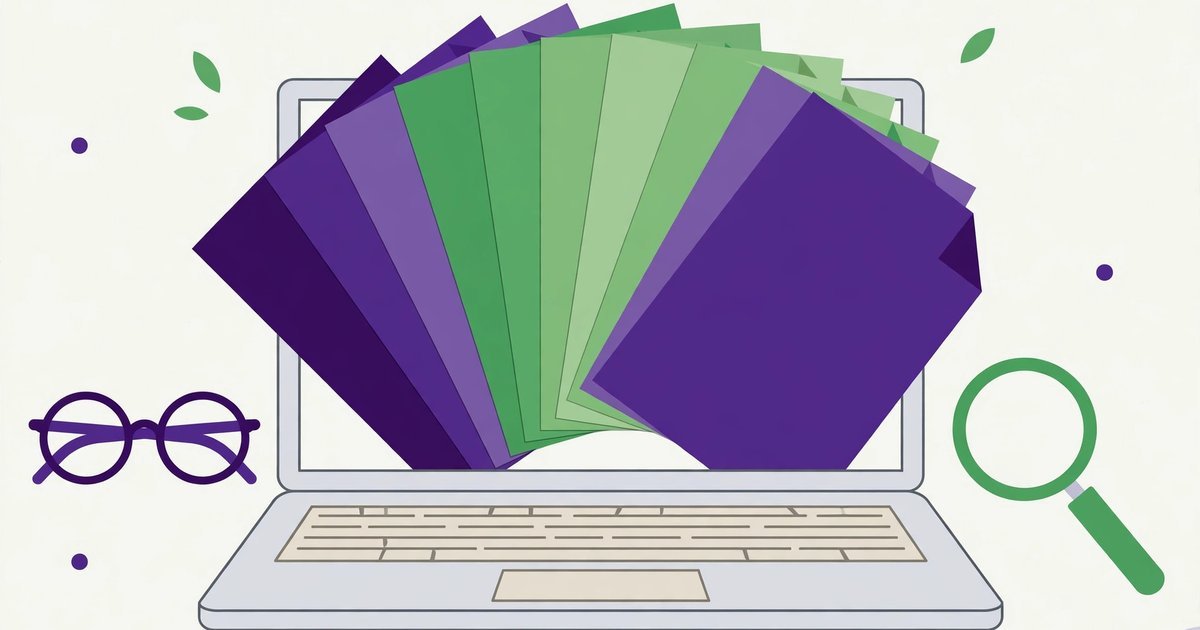
Every device opens PDFs — but the built-in viewer is rarely the best one. Here is the right reader for each platform, and when a browser viewer beats them all.
Convert PDF pages to JPG or PNG images — up to 216 DPI.
Mac: Preview vs Adobe Acrobat Reader
Preview (built in) opens PDFs fast, annotates, signs, and fills basic forms — enough for most people, and already installed. Adobe Acrobat Reader (free) adds better form support, accessibility features, and compatibility with complex PDFs that Preview renders imperfectly. For MacBook users, the answer is usually: Preview daily, Acrobat when a PDF misbehaves.
Linux: Evince, Okular and Zathura
Evince (GNOME default) is fast and simple; Okular (KDE) adds annotations, form filling and multi-format support; Zathura is the keyboard-driven minimalist's choice. All are free and open source. For Linux users who just need to read and annotate, Okular is the most complete; for pure speed, Evince.
Windows: SumatraPDF, Edge, Acrobat
SumatraPDF is tiny, instant, and distraction-free — beloved by readers. Microsoft Edge opens PDFs natively with annotation and read-aloud. Acrobat Reader remains the compatibility king for forms and signed documents. Avoid the ad-laden "free PDF reader" downloads that bundle toolbars — the three above cover every need without them.
No install: the browser viewer
For a quick view without installing anything, browsers open PDFs natively — and our site's PDF tools (Viewer, PDF to Image, Extract Images) work entirely in your browser with your files never leaving your device. The trade-off: browser viewers lack advanced annotation and form features, which is when a desktop reader earns its place.
Accessibility and forms: when the free reader is not enough
Three jobs separate basic readers from serious ones. Accessibility: screen-reader support and tagged-PDF reading, where Acrobat Reader and Okular are strongest and minimal readers fall short. Fillable forms: saving completed forms (not just printing them) works reliably in Acrobat and Okular, patchily elsewhere. Signatures: drawing a signature image is free almost everywhere, but a certified digital signature (cryptographic, verifiable) needs a certificate and a reader that supports it — usually Acrobat or a dedicated signing service. If your work involves any of these three, pick the reader for that job, not for speed.
Reading on phones and tablets
On small screens, reflow matters more than features: Adobe Acrobat mobile and Xodo reflow text for narrow screens, while desktop-style readers just shrink the page. Apple Books (iOS) is a surprisingly good free reader for straight reading, and most Android phones open PDFs in Google Drive's viewer without any install. For annotation on the go, Xodo's free tier (highlight, comment, fill forms) is the strongest no-cost option across both platforms.
Frequently asked questions
What is the best PDF reader for MacBook?
Preview for everyday use; Adobe Acrobat Reader (free) for complex forms and documents Preview renders poorly.
Is there a good free PDF reader for Linux?
Yes — Evince and Okular, both free, open source, and included with most distributions.
Do I need Adobe Acrobat to read PDFs?
No — every modern OS and browser reads PDFs natively. Acrobat adds features; it is not a requirement for reading.
Can I sign a PDF for free?
Yes, for everyday purposes: Preview, Acrobat Reader and most mobile readers let you draw or type a signature onto a document at no cost. That is a signature image, not a certified digital signature — for contracts that require cryptographic proof, you need a certificate-based signing service.
Why does the same PDF look different in different readers?
Fonts and complex layouts render differently: a reader without the document's fonts substitutes its own, and intricate forms or layered graphics expose rendering gaps. When a PDF looks wrong, trying Acrobat Reader usually settles whether the file or the reader is at fault.
 How to Remove a Line in Word (The Horizontal Line That Won't Delete)
 The Password Game: How to Play, Rules Guide & Tips
 How to Calculate Chronological Age (With Examples)