Budget Templates for Google Sheets & Docs (Including Biweekly)
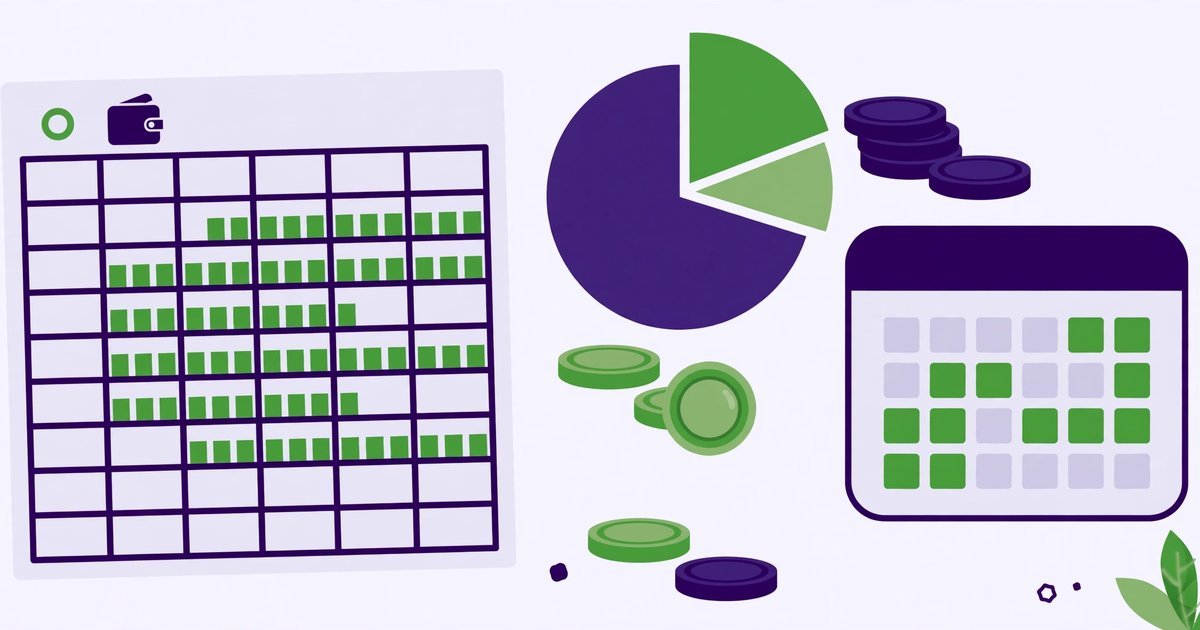
The best budget template is the one you actually open every week. This guide covers where to find good ones for Sheets and Docs, how to pick between monthly and biweekly layouts, and why the prettiest template is not always the best one.
Split your take-home pay into needs, wants and savings.
Google Sheets budget templates
Sheets has built-in templates (File → New → From template gallery → "Monthly budget" and "Annual budget") that track income, expenses and savings with charts. For a biweekly budget — matching a biweekly paycheck — search the template gallery or community templates for "biweekly budget": the key feature is two pay periods per month with bills assigned to the paycheck that covers them, which prevents the classic "rent is due before payday" gap.
Google Docs budget templates
Docs templates work for simple budgets and printable plans: a table of income, fixed expenses, variable expenses and savings goals. They lack automatic totals (you add numbers yourself), so they suit people who budget on paper first and type it up after — or who want a one-page budget to stick on the fridge.
Why "cute" templates work (sometimes)
The popular "cute budget template" trend — pastel colors, stickers, habit trackers — works because it makes budgeting pleasant enough to repeat. If a pretty template gets you to open it weekly, it beats a powerful one you avoid. The risk: decorating replaces doing. Pick a template that is pleasant and has real totals, categories and a savings line — and review it weekly, not monthly.
Start with the 50/30/20 split
Before any template, decide the split: 50% needs, 30% wants, 20% savings and debt repayment. Our Budget Calculator (50/30/20) computes your numbers from your income in seconds — then put those numbers into whichever template you chose, and adjust the percentages to your real life (high-rent cities routinely break 50/30/20, and that is fine — the point is a plan, not a perfect ratio).
The weekly 15-minute budget routine
A template only works with a routine. Once a week, same day, fifteen minutes: log the week's spending, compare each category against the plan, and move any leftover into savings before it evaporates. The weekly rhythm matters more than the template: monthly reviews let small overspends compound for weeks unnoticed, while weekly checks catch them when they are still small. Put the routine in your calendar, not your memory.
Sinking funds: the budget line most people miss
Most budgets break on predictable-but-irregular bills: car insurance, annual subscriptions, holiday gifts, car repairs. A sinking fund fixes this: divide each annual cost by twelve and set that amount aside monthly in its own line. When the bill arrives, the money is already there — no emergency, no credit card. Add one sinking-fund line per irregular bill; it is the single highest-impact change for people whose budgets 'mostly work except for surprises'.
Frequently asked questions
Are Google Sheets budget templates free?
Yes — the built-in gallery templates are free with a Google account, as are most community templates. Avoid templates that ask for payment or for your bank login.
Monthly or biweekly budget — which is better?
Match your pay schedule: biweekly pay → biweekly budget (bills assigned per paycheck); monthly pay → monthly budget. Mismatched schedules cause the most budgeting failures.
Do I need a template at all?
No — a simple sheet with income, expenses and savings columns works. Templates just save setup time and add charts.
Can I share a budget sheet with my partner?
Yes — Sheets sharing is built for it. Give one person editing rights and the other comment rights to avoid overwriting each other, or use separate tabs per person with one shared summary tab. Agree on the categories first; most shared-budget arguments are category arguments.
Are budget apps better than Sheets?
Apps automate transaction import, which saves logging time — but they usually cost money and want your bank login. Sheets is free and private, at the cost of manual entry. Choose by habit: if manual logging is why you quit last time, an app may be worth it; if privacy and cost matter more, Sheets wins.
 Duplicate Checks vs Single Checks: What's the Difference?
 Simple Interest, Recurring Deposits & Credit Card APR Explained
 How to Draft an Invoice (Plus: Invoice vs Receipt, Emailing & Word)