Forgot Your Password? How to Reset Gmail, Outlook, Hotmail, Xbox & iPhone Mail
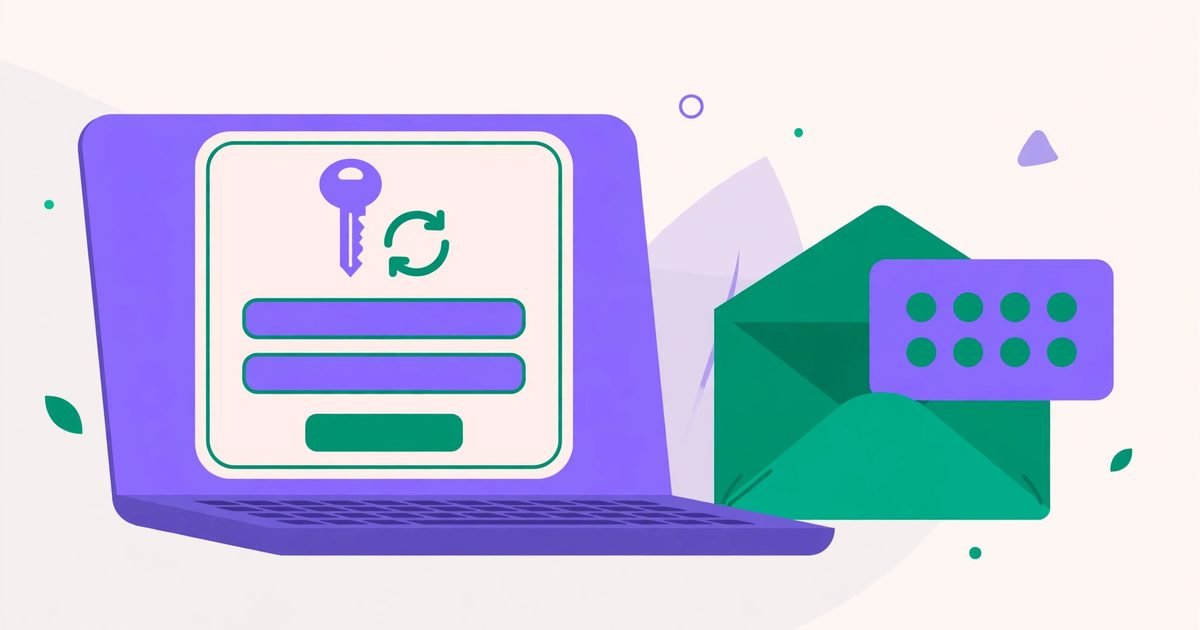
Being locked out is stressful, but nearly every major service has a working reset path — the trick is using the right one instead of guessing at login screens. This guide walks through Gmail, Microsoft (Outlook, Hotmail, Xbox) and iPhone Mail, and finishes with what to do when none of your recovery options work anymore.
Generate strong random passwords — and check any password's strength.
Before you start: two things that decide everything
Resets work through a recovery email or recovery phone number you set earlier, or through security questions. If you still have access to either, the reset takes minutes. If you have neither, you will need the account-recovery form (last section) — be patient with it, it is deliberately slow. Use the device and network you normally sign in from: providers trust familiar devices far more than a stranger's computer.
Gmail (Google account)
- Go to the sign-in page and click Forgot password?
- Enter the last password you remember (a wrong guess is fine — it helps Google confirm it is you).
- Choose the recovery option: a code to your recovery email or phone, or a prompt on a phone already signed in.
- Enter the code, then set a new password — make it unique (our Password Generator helps) and save it in a manager this time.
If the recovery options shown are old (a number you no longer own), choose "Try another way" repeatedly until Google offers the account-recovery form.
Outlook, Hotmail and Xbox (Microsoft account)
Outlook, Hotmail and Xbox are all the same Microsoft account — reset it once and all three work again. Go to account.live.com/password/reset, enter the email address, and pick a verification method (email, phone, or the Microsoft Authenticator app). Xbox players: your gamertag and purchases live in this same account, so do not create a new one — recover the old one, or everything bought on it stays locked away.
iPhone Mail: updating a stored password
If your mail provider changed the password (or you reset it on the web), the iPhone keeps trying the old one. Fix it at Settings → Mail → Accounts → [your account] → Password (for most IMAP accounts, under Account settings), type the new password, and wait for Mail to verify it. If the account keeps asking, delete and re-add the account — a clean setup beats a stuck one. This is different from changing the password itself: that happens on the provider's site, not on the phone.
When recovery options are gone
Google and Microsoft both offer a recovery form that asks about the account: approximate creation date, previous passwords, frequent contacts, services used. Answer as much as you can, from a familiar device, and be honest about what you do not know — wrong guesses hurt more than blanks. Expect a wait of hours to days, and check the recovery email you gave for the verdict. If the form fails twice, wait a day before trying again; repeated attempts look like an attacker.
After you are back in — the 10-minute lockdown
- Set a new, unique password (never the old one).
- Turn on two-factor authentication — an authenticator app beats SMS.
- Update your recovery email and phone to ones you actually control.
- Review "recent activity" / "devices" and sign out of sessions you do not recognize.
- Check the email forwarding rules and app passwords — attackers sometimes leave a quiet forwarding rule behind.
Frequently asked questions
I forgot my Gmail password and my recovery phone is gone. Am I locked out forever?
Not necessarily — the account-recovery form exists exactly for this. Answer from a familiar device with as much account history as you remember, and be patient: it can take days.
Does resetting my Microsoft password also reset my Xbox password?
Yes — Outlook, Hotmail and Xbox share one Microsoft account and one password. One reset fixes all three.
Why does my iPhone keep asking for my mail password?
The stored password on the phone no longer matches the provider's. Update it in Settings → Mail → Accounts, or remove and re-add the account.
Should I use the old password again after a reset?
No. If the old one leaked or was forgotten, reusing it repeats the problem. Generate a fresh, unique one and store it in a password manager.
 How to Create a Strong Password You Can Actually Remember
 How to Lock Apps on Android, Samsung & iPhone (Face ID, PIN & Secure Folder)
 How Password Managers Work (and 1Password vs Google vs iCloud Keychain)