How Password Managers Work (and 1Password vs Google vs iCloud Keychain)
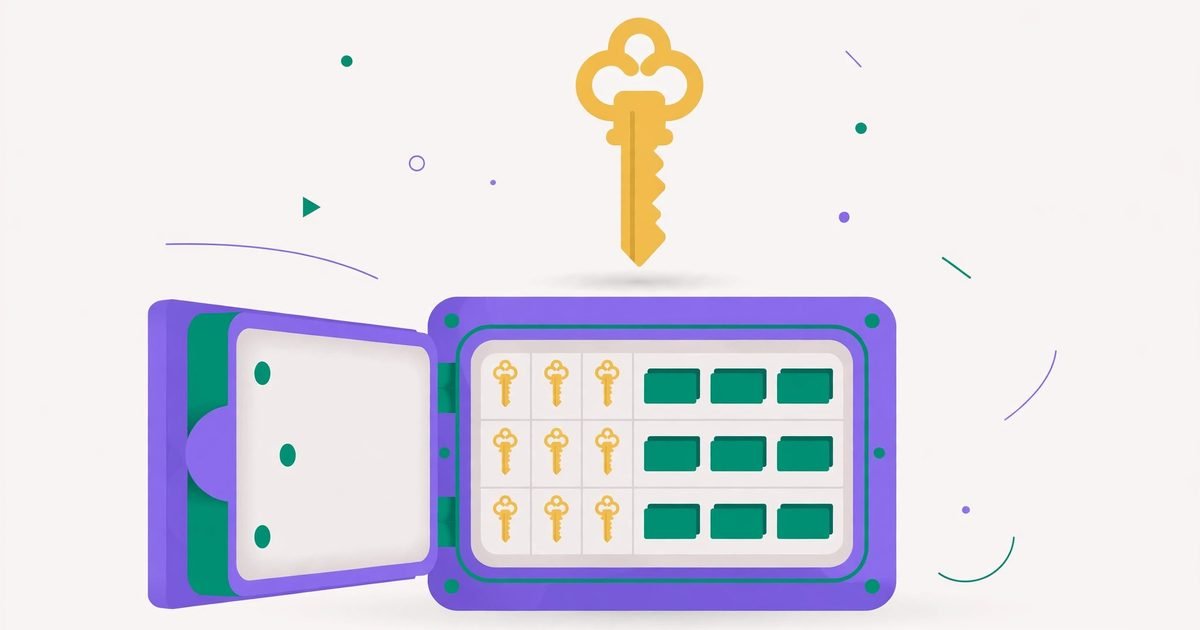
A password manager remembers every password so you only remember one. That sounds like putting all your eggs in one basket — until you understand the basket is encrypted, and even the company that made it cannot open it. Here is how it actually works, and which of the big three fits you.
Generate strong random passwords — and check any password's strength.
The vault: one encrypted box
Your manager stores every login in a vault — a single encrypted file. The encryption key is derived from your master password (plus, in good managers, a secret key stored on your devices). When you unlock the vault, it decrypts on your device; when it syncs to the cloud, it travels and sits there encrypted. That is the crucial point: the cloud copy is ciphertext, useless without the key.
Zero-knowledge: why the company cannot read your passwords
Reputable managers are "zero-knowledge": the company never receives your master password or the decrypted vault. If their servers were breached tomorrow, attackers would get encrypted blobs, not passwords — which is why breaches at password managers have historically not led to mass account takeovers. The flip side is real too: if you lose the master password and have no recovery option, nobody can restore your vault. Write it down on paper and keep it somewhere safe — that is the one password paper is right for.
Autofill: the feature that stops phishing
Autofill is not just convenience — it is a security feature. A manager fills your bank password only on the real bank domain. A fake lookalike site gets nothing, because the saved login does not match the domain. Humans get fooled by convincing fakes; managers do not. Add passkey support (now in all major managers) and most of your logins stop needing typed passwords at all.
1Password vs Google Password Manager vs iCloud Keychain
- 1Password (paid): the full-featured choice — works on every platform and browser, family sharing, a unique Secret Key in addition to the master password, travel mode, and good passkey support. Best if you live across Windows, Android and Apple devices.
- Google Password Manager (free): built into Chrome and Android, syncs with your Google account, checks passwords against known breaches, and is genuinely good for most people. Weakness: it is tied to Google, and its vault security rests on your Google account's own protection.
- iCloud Keychain (free): built into iPhone, iPad and Mac, syncs end-to-end encrypted, fills in Safari and apps, and now supports shared password groups. Weakness: it is Apple-only — Windows and Android users get almost nothing.
- Microsoft Edge also has a built-in manager with similar trade-offs to Google's, tied to your Microsoft account.
The honest verdict: the best manager is the one you will actually use. A free built-in manager with unique passwords everywhere beats a premium one you never open.
Switching and getting started
Start by importing: every manager imports from browsers and from each other (usually a CSV export — delete that export file immediately after, it is plaintext). Then change your most important passwords first (email, banking), letting the manager generate them — our Password Generator is handy for this — and turn on two-factor authentication on the manager account itself. From then on, every new account gets a generated password by default.
Frequently asked questions
What happens if the password manager company gets hacked?
With zero-knowledge encryption, attackers get encrypted vaults, not passwords. Your master password is the only key — which is why it must be strong and unique.
Is it safe to store banking passwords in a manager?
Yes — that is exactly what they are for. A unique, generated banking password inside an encrypted vault is far safer than a memorable one reused across sites.
Do I still need to remember any passwords?
One: the master password. Everything else lives in the vault. (And your device passcode, which unlocks the device the vault sits on.)
Are free managers worse than paid ones?
Not in security — the encryption is the same class. Paid managers add convenience: cross-platform apps, sharing, travel mode, better support. For a single-platform user, the free built-in option is usually enough.
 How to Create a Strong Password You Can Actually Remember
 Forgot Your Password? How to Reset Gmail, Outlook, Hotmail, Xbox & iPhone Mail
 How to Lock Apps on Android, Samsung & iPhone (Face ID, PIN & Secure Folder)