How QR Codes Work: Versions, Capacity, Static vs Dynamic & History
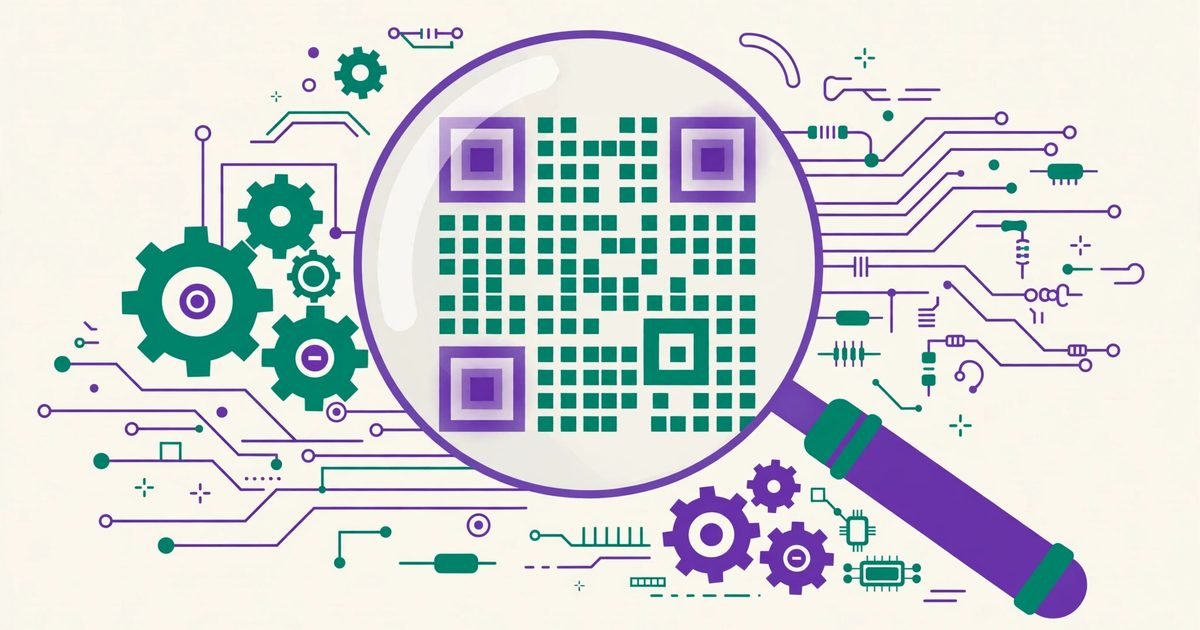
A QR code looks like random squares, but it is a precise little machine: three corner markers for aiming, a grid of black-and-white modules for data, and built-in error correction that lets it survive damage. This guide explains what is inside, how much it can hold, and the static-vs-dynamic question everyone eventually asks.
Create QR codes for links, Wi-Fi, contact cards, email, phone and SMS.
What the squares actually are
Three large squares in the corners are finder patterns — the camera uses them to locate and orient the code, which is why QR codes scan at any angle and even upside down. The rest of the grid is modules (the individual black/white cells), encoding the data plus format information and alignment patterns that help the camera correct for tilt and curvature. The blank border around the code — the quiet zone, at least 4 modules wide — is part of the code: without it, scanners struggle to find the edges.
Versions and capacity: how much can a QR code hold?
There are 40 versions. Version 1 is 21×21 modules; version 40 is 177×177. Maximum capacity at version 40 with the lowest error correction is about 7,089 digits, 4,296 alphanumeric characters, or 2,953 bytes of binary data. In practice, nobody should push that far: a code holding a paragraph is dense, hard to scan, and ugly. For links, Wi-Fi logins and contact cards, a low version is plenty — and short content is the single best thing you can do for scannability.
Error correction: why damaged codes still scan
QR codes carry Reed–Solomon error correction at four levels: L (7%), M (15%), Q (25%), H (30%) — the percentage of the code that can be damaged or obscured while the data still reads. That is why logos can sit in the middle of branded codes (they cover part of the data, and correction rebuilds it). Higher correction costs capacity, so use H when a logo or rough handling is involved, and L or M for clean, simple codes.
Static vs dynamic QR codes
Static codes encode the destination directly (the URL itself is in the squares). They are free forever, never expire, and cannot be edited — to change the link, you print a new code. Dynamic codes encode a short redirect URL hosted by a service: the printed code stays the same while the destination can be changed later, and scans can be counted. The catch: dynamic codes depend on that service, and most providers charge a subscription once you want real features. For a flyer, business card or product label that points somewhere stable, a static code — like the ones our QR Code Generator makes for free — is the honest, zero-cost choice. Choose dynamic only when you genuinely need to change the destination or track scans.
A quick history: invented in 1994, everywhere by 2020
The QR code was invented in 1994 by Masahiro Hara at the Japanese company Denso Wave, to track car parts in factories faster than barcodes allowed. It stayed industrial for years, then smartphones with good cameras — and the contactless habits of the pandemic years — put it on every menu, ticket and advert. The format itself is an open standard, which is why anyone can generate codes for free and no company owns the idea.
Frequently asked questions
How many different QR codes are possible?
Astronomically many: even a modest version has more possible patterns than atoms in the observable universe. In practice, what matters is that your code's content is unique, not the pattern count.
Do QR codes expire?
Static codes never expire — the data is in the squares themselves. Dynamic codes stop working if the redirect service shuts down or your subscription lapses.
Can a QR code hold a whole document?
Technically a few kilobytes at most — a short document, not a file. For documents, link the code to a hosted file instead.
Is it safe to scan any QR code?
Mostly, but a code can point anywhere — including a phishing page. Preview the URL your phone shows before tapping "open", and never enter passwords or payment details from a QR link you did not expect.
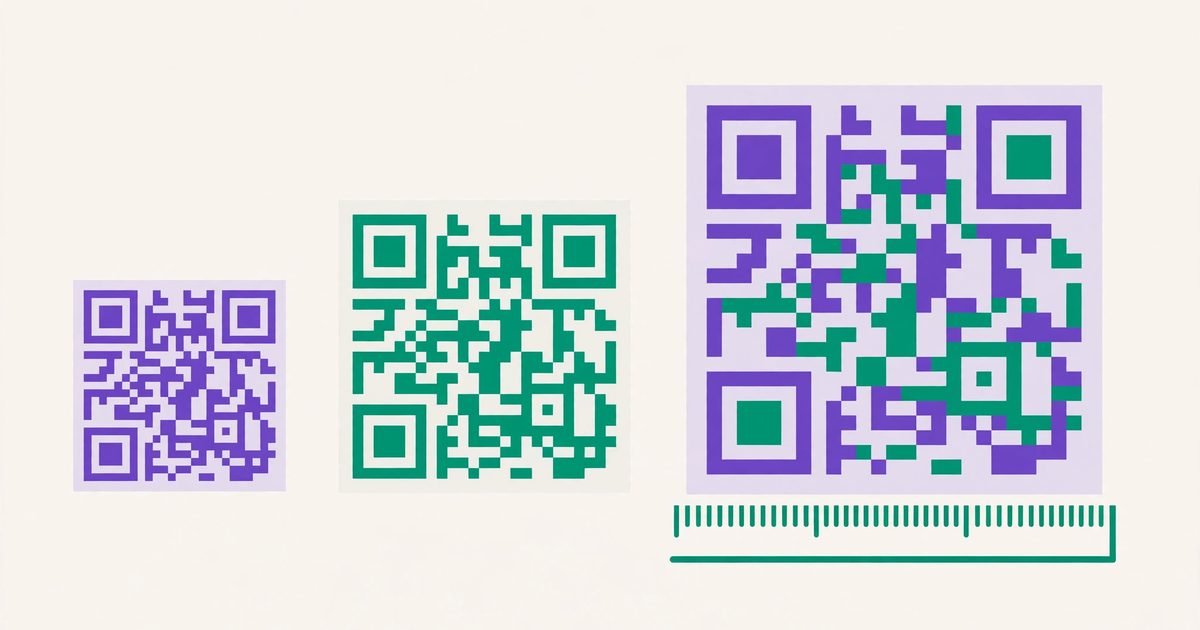 QR Code Sizes: How Small (and How Big) Can a QR Code Be?
 How to Scan a QR Code on iPhone (and Fix It When It Won't Scan)
 How to Make QR Codes for LinkedIn, Instagram & Facebook (and Flyers)